1Password launches phishing protection that warns when you paste saved logins into unlinked sites
1Password’s phishing protection warns in the browser extension when users paste saved logins into sites not linked to their stored credentials to double-check.
Why 1Password added a phishing safeguard




1Password has introduced a new phishing protection intended to reduce the risk of users accidentally handing credentials to scam websites. The feature operates through the 1Password browser extension and is designed to interrupt the common copy-and-paste workflow people use when a password manager does not autofill because a site’s URL doesn’t match the saved login. With phishing scams becoming increasingly sophisticated — and, according to a 1Password survey, widespread — the company built a lightweight guardrail that prompts users to pause and verify a site before pasting sensitive sign-in details.
What the phishing protection does
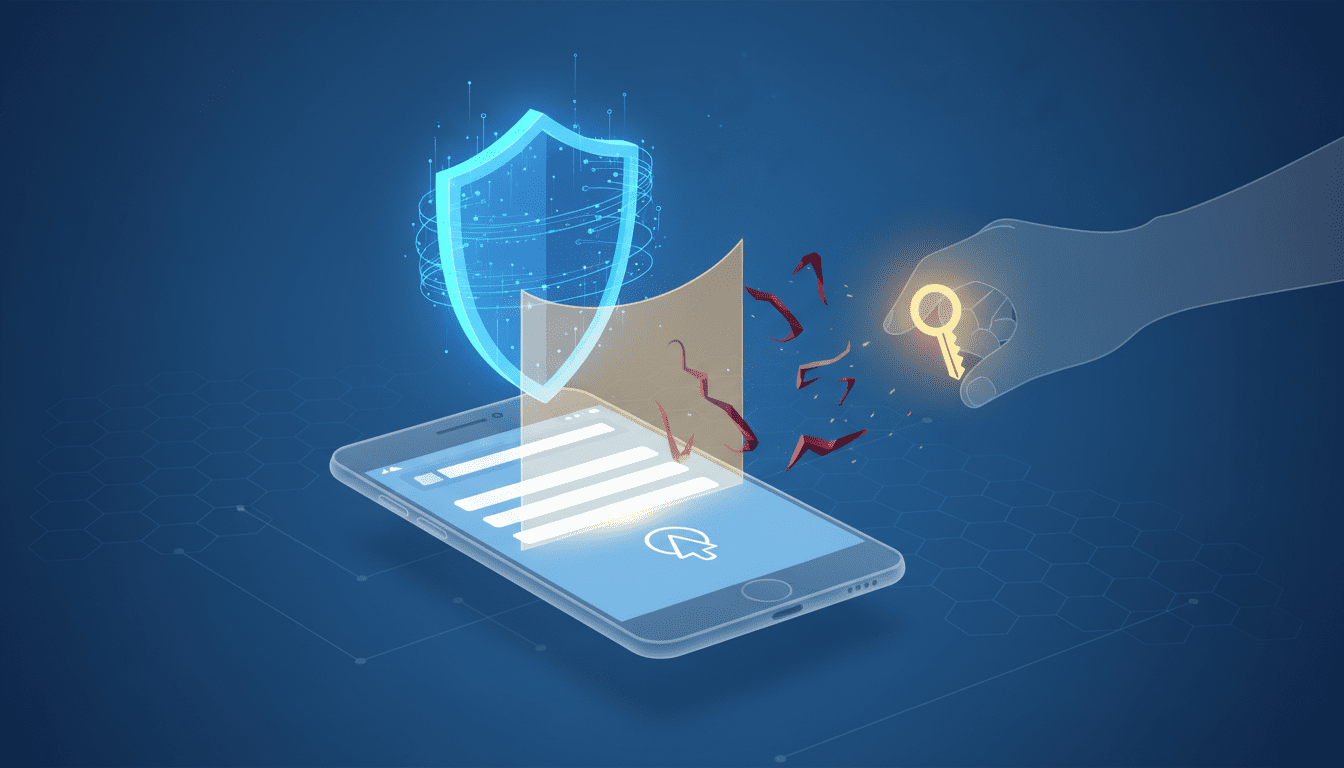
When a user attempts to paste a username or password into a website that 1Password does not recognize as linked to a saved login, the extension displays a pop-up warning. The product team’s message — shown to users in those circumstances — reads: “This website you’re on isn’t linked to a login in 1Password. Make sure you trust this site before continuing.” The feature complements 1Password’s existing behavior in which the manager will refuse to autofill credentials when the current URL does not match the site stored with the login, leaving copy-and-paste as the fallback for users.
How the warning appears and is enabled
The phishing protection is exposed in the 1Password browser extension under Settings > Notifications. From there, users can toggle on the option labeled “Warn about pasted logins on non-linked websites.” Once enabled, any paste action that would insert saved credentials on an unlinked site triggers the warning dialog, giving the user an opportunity to stop and inspect the page before proceeding.
Why a pause matters: the mechanics of the threat
Phishing remains a people-centered attack vector: social engineering tricks victims into revealing usernames, passwords and financial data rather than attackers trying to break the underlying software. 1Password’s survey data cited in the company’s announcement underscores the scale of the problem: one finding reported that 89% of Americans had experienced a phishing attempt and that 61% of respondents said they had been successfully phished. The survey also identified email and text message as the most common delivery channels for phishing, followed by social media and phone calls. Separately, graphical survey data from 1Password noted that 62% of Americans reported receiving suspected AI-driven scams and that 66% observed an increase in scams as artificial intelligence has grown.
Those figures frame the product decision: because phishing pages can be created and deployed quickly, and because defenders rely on blocklists that may lag behind new scam URLs, prompting a user to double-check a site can prevent credentials from being typed or pasted into an illegitimate form.
Practical scenarios where the feature helps
The pop-up is aimed at situations where the password manager’s autofill is unavailable because the site’s address does not match the saved login. That occurs in benign circumstances — for example, streaming apps or mobile sign-in flows sometimes use different URLs than the service’s desktop site — but it is also precisely the situation scammers exploit. If a user copies credentials and pastes them into a page that visually mimics a legitimate site but uses a slightly altered address (for example, a homograph like paypa1.com), the pasted credentials can be harvested immediately. The pop-up forces a short pause during which the user can inspect visible signs of fraud such as an odd-looking URL, low-resolution images, misspellings, or unusual payment options.
Limits of automated protection
1Password’s pop-up is a behavioral guardrail rather than a comprehensive detection engine. The company’s approach acknowledges that identifying fraudulent websites is not as straightforward as updating antivirus signatures: phishing pages can be spun up rapidly and selectively, and once a malicious URL makes its way onto a blocklist it may already have impacted victims. Because the extension’s warning is triggered by a mismatch between the current URL and saved logins, legitimate cases where different sign-in pages exist for the same service will still surface the alert; users must therefore balance caution with understanding of legitimate sign-in variations. 1Password describes the feature as a nudge to “make sure you trust this site before continuing,” not an automatic verdict on a site’s safety.
User guidance embedded in the feature
The dialog’s phrasing is intentionally simple to encourage users to pause and perform quick checks before they proceed. Good checks recommended in the context of the feature include examining the web address for subtle spelling changes, looking for brand inconsistencies (low-resolution graphics or misspelled company names), and confirming that the site’s available payment or account-recovery options are reasonable. Because the warning appears only when a paste is attempted on a site that isn’t linked to a saved login, it surfaces at a precise moment when a user is most likely to commit a mistake — copying and pasting into a malicious input field — and provides an immediate opportunity to verify legitimacy.
How this fits into a broader security posture
1Password’s announcement frames the feature as one element of a layered approach to personal cybersecurity. The company and the article source recommend combining a password manager with other protective tools such as antivirus software and a VPN. The source material also points users toward contemporary account-protection strategies such as converting passwords to passkeys and following a cybersecurity checklist for locking down accounts and financial information. Taken together, these recommendations emphasize that no single product can eliminate phishing risk; defensive depth remains important.
Industry and developer implications
The introduction of a built-in paste-warning in a major password manager signals a practical shift in how consumer-facing security tooling can intercede in risky user behaviors without requiring users to change their habits dramatically. For developers and product teams building browser extensions, authentication flows, or identity tooling, the feature illustrates two operational points: first, that UX-level interventions can reduce attack surface by interrupting potentially dangerous actions; and second, that heuristic signals — such as a URL mismatch with saved credentials — can be used as low-friction triggers for protective messaging.
For businesses and security teams, the safeguard highlights a role for password managers as part of end-user protection beyond secure storage and autofill. Organizations that provision password managers to staff may find value in enabling client-side guardrails that reduce the likelihood of credential exposure, particularly in environments where phishing and AI-enhanced social-engineering campaigns are rising.
What the rollout means for everyday users
Because the feature is surfaced through the 1Password browser extension and must be enabled in settings, it is accessible to users who run that extension in their browser of choice. The warning is intentionally lightweight: it does not block the paste action outright but asks the user to confirm that they trust the destination site. For users who rely on copy-and-paste when autofill fails, the change introduces a moment to verify a domain and avoid common traps. It also helps in cases where people assume that a visual replica of a sign-in page is legitimate simply because it looks familiar.
When to use judgment and when to trust autofill behavior
The extension’s existing autofill rules already prevent automatic insertion of saved credentials when the current URL differs from the stored login. The new paste-warning fills the gap that arises when users resort to manual copy-and-paste. That means users should expect legitimate edge cases — such as alternate sign-in endpoints used by mobile or streaming apps — to trigger the warning occasionally. When the dialog appears, users should weigh the risk: if they were redirected from a known app and the sign-in flow is expected, it may be safe to continue; if the page arrived via an unsolicited link or the address looks suspicious, they should stop and verify the domain through other channels.
The phishing landscape that motivated the change
1Password’s research shared in the announcement paints a broad picture of phishing prevalence. The survey findings include that 89% of Americans have experienced phishing attempts and that 61% reported having been successfully phished. The study identified email and text as the most common vectors, with social media and phone calls following. Additional survey data displayed by the company indicates that 62% of Americans reported receiving suspected AI-driven scams, and 66% said they had observed an increase in scams as AI technologies have grown. These figures underscore the rationale for product teams to prioritize interventions that address social-engineering risk at the point of user interaction.
As the company notes, phishing websites can be established far faster than traditional malware campaigns, and defensive lists and signatures often lag new scam URLs; a user-level pause that encourages verification can therefore prevent immediate credential loss even when network-level defenses haven’t yet caught up.
A layered approach remains essential
1Password’s phishing warning is an additional tool rather than a standalone remedy. The company and the reporting source recommend pairing a password manager with other defensive measures: reputable antivirus software, a VPN for network protection, and consideration of passkeys as an alternative to passwords. These elements together form a more resilient posture against credential theft and account takeover. Users who combine safe browsing habits, security software, and identity-management tools reduce the likelihood that a single phishing interaction will lead to a compromise.
The feature also supports migration strategies away from pure password-based authentication. The reporting material points readers to resources on converting passwords to passkeys and using cybersecurity checklists to harden accounts, which complements the goal of reducing the universe of credentials that attackers can harvest through phishing.
Looking ahead, the addition of a paste-warning in 1Password reflects a pragmatic response to the evolving mechanics of phishing and the acceleration of social-engineering campaigns. As scams become more convincing — including those leveraging AI to craft personalized hooks — product teams may continue to explore low-friction, behaviorally oriented interventions that encourage users to verify before they act. For users and organizations, the path forward will likely emphasize multiple layers of defense: identity tooling like password managers, endpoint protections, network safeguards, and adoption of modern authentication methods such as passkeys to reduce reliance on copyable secrets.