DALL·E 3: A Practical Guide to Using the AI Art Generator for Marketing, Product Visuals, and Creative Workflows
DALL·E 3 demystified: a practical guide to using the AI art generator for marketing, product visuals, and creative projects, plus workflow and business impact.
DALL·E 3 arrived as one of the most accessible AI art generators on the market, promising straightforward text-to-image creation that non‑specialists and professionals alike can adopt quickly. In practice, it lowers the barrier to producing visuals for marketing, social posts, product mockups, and concept art, while also introducing new questions about customization, commercial use, and how it fits alongside other tools such as Midjourney, Runway, and Stable Diffusion–based platforms. This article examines what DALL·E 3 does, how it compares to competing generators, the practical workflows it enables, and the implications for designers, developers, and business teams.

What DALL·E 3 actually does for creators
DALL·E 3 converts natural‑language prompts into finished images, plus it offers image editing and inpainting so users can iterate on an existing visual. That combination—easy prompt handling and follow‑up edits—makes the model useful for rapid prototyping and content production. For marketers who need multiple variants of a hero image, for product teams creating quick hardware mockups, or for social media managers who require consistent branded imagery, DALL·E 3 speeds up the ideation‑to‑asset pipeline without forcing users to learn complex parameters or scripting.
Under the hood, this type of generator translates text into visual features and composes scenes based on probabilistic patterns learned from training data. The result is a set of images that reflect the textual input, with style, lighting, and composition determined by the model’s internal representations and any style cues provided by the prompt.
How DALL·E 3 handles prompts and iterative edits
DALL·E 3 is optimized for natural language. Users can write a sentence or a short paragraph describing a concept—like “a minimalist product hero shot of a matte black smart speaker on a wooden desk, soft morning light, shallow depth of field”—and expect a usable image. Where it adds value is in follow‑through: the same interface accepts clarifications (“make the speaker silver and increase contrast”) and produces adjusted images without forcing a full re‑prompt.
Image editing features such as inpainting allow users to upload an image, select an area, and replace or refine it with a new prompt. That’s practical for retouching, swapping elements, or exploring alternate composition choices while preserving most of the original image.
How DALL·E 3 compares to other AI art generators
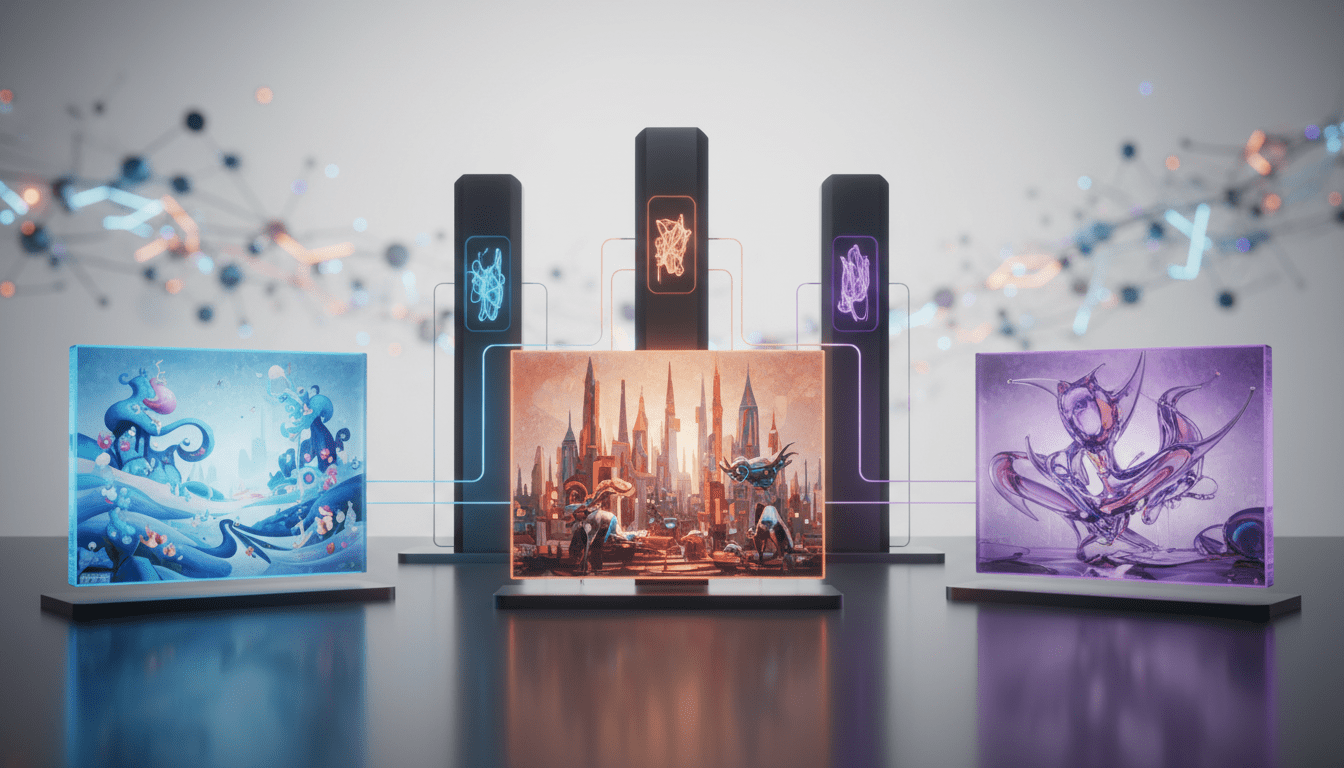
DALL·E 3 is one voice in a crowded field. Each generator brings different tradeoffs:
-
Midjourney: Known for photorealistic renderings and a stylistic edge, Midjourney’s Discord‑centric workflow appeals to users who want highly stylized, cinematic outputs and a community to learn techniques from. It’s less beginner‑friendly at first because of the chat‑based command set, but it excels at aesthetic nuance and upscaling.
-
Runway: Extends the AI art experience into video and 3D textures, adding text‑to‑video and model training capabilities that are valuable for studios and teams working with motion and interactive content.
-
NightCafe: Offers a broad mix of models and customization options, making it a favorite among experienced AI artists who want to experiment across engines and transform their own photos.
-
Jasper Art: Targets marketing and commercial usage with royalty‑free outputs and integration into broader content workflows—useful for teams already on Jasper for copy generation.
- DeepAI and Craiyon: Often used for low‑friction experimentation or as developer‑friendly APIs; Craiyon emphasizes free access while DeepAI focuses on customization and API integrations.
Choosing among these depends on priorities: DALL·E 3 prioritizes intuitive prompt comprehension and straightforward editing; Midjourney prioritizes distinctive photorealism and community techniques; Runway prioritizes motion and model training; Jasper prioritizes business‑ready, commercial licensing.
Who should use DALL·E 3 and when it makes sense in a workflow
DALL·E 3 fits a broad set of roles:
- Marketing teams: Fast iterations for campaign imagery, variations for A/B testing, and on‑brand creative explorations.
- Product and design teams: Rapid product mockups, concept art, and style exploration before investing in photoshoots or detailed 3D renders.
- Social content creators: Quick generation of images for posts, thumbnails, and promotional graphics.
- Educators and hobbyists: Low barrier to entry for teaching composition, color theory, and concept visualizations.
- Developers and automation engineers: When paired with APIs, DALL·E 3 can be embedded into creative tools, content management systems, and automated asset pipelines.
It isn’t always the right choice: for complex, bespoke visual effects, for precise control over every pixel, or for production video pipelines, other tools like Runway or dedicated 3D workflows may be more appropriate. Likewise, if a team needs granular control over a model’s training data or fully offline operation, open models and self‑hosted Stable Diffusion variants could be preferable.
Pricing, access, and integration considerations
Access models vary across vendors. DALL·E 3 is commonly available via web and platform integrations, and it is often bundled with premium chat models in subscription services that include API access for programmatic generation. For organizations, consider both per‑image costs via APIs and seat‑based subscription models for user access. Evaluate quota limits, commercial licensing terms, and whether the platform provides image editing credits or separate pricing for inpainting and higher‑resolution downloads.
When evaluating a tool for production use, factor in:
- API cost per image or token
- Subscription tiers for interactive access and batch generation
- Licensing terms for commercial use and attribution requirements
- Integration points with creative tools and asset management systems
Practical running example: a typical DALL·E 3 creative workflow
A succinct production workflow looks like this:
- Brief and prompt draft: Marketing or design writes a short creative brief, then crafts a prompt that includes subject, style, mood, and use case.
- Initial generation: Generate several variants to explore composition and lighting.
- Selection and inpainting: Choose the best candidate and use inpainting to alter details—color, background, or branding elements.
- Post‑processing: Export a high‑resolution file and run it through standard design tools for final retouching, typography placement, or layout.
- Asset management: Tag and store variants in a DAM (digital asset management) system for reuse across marketing channels.
This pipeline highlights how DALL·E 3 can shorten concept cycles while leaving room for designers to apply human judgment and brand guidelines.
Ethical, legal, and safety considerations
AI image generation raises practical concerns. Major topics to address before deploying generated art include:
- Copyright and trained data provenance: Understand the platform’s stance on training data and whether outputs are cleared for commercial use. Some vendors offer explicit royalty‑free licensing; others impose restrictions.
- Bias and harmful content: Models can reproduce stereotypes or unintended imagery. Built‑in safety filters help, but teams should audit outputs and include a human review step for external content.
- Deepfake and likeness issues: Avoid generating images that impersonate real individuals without consent; many platforms restrict celebrity or public figure likenesses.
- Content moderation and brand risk: Establish governance for what generated visuals are appropriate for your brand and regions of operation.
For organizations, a policy that covers permitted use cases, review workflows, and escalation for problematic outputs will reduce legal and reputational risk.
Developer and API implications
For engineering teams, the availability of an API changes how creative tools are built:
- Automation: Integrate generation into content pipelines to auto‑produce image variants for email campaigns, landing pages, or personalized marketing.
- Custom tooling: Wrap generation APIs with prompt templates, presets, and safety checks so nontechnical users can safely produce assets.
- Model orchestration: Developers may combine DALL·E 3 outputs with other services—image upscaling, color matching, or PII detection—to create compliant, high‑quality deliverables.
- Cost control and caching: Implement caching of generated assets to avoid repeated billing; batch requests for large campaigns to optimize API usage.
At the same time, teams must monitor API rate limits and implement retry and backoff logic for robust production workflows.
How DALL·E 3 sits within the broader creative technology landscape
DALL·E 3 is one component in a portfolio of creative AI tools. Creative teams increasingly stitch together multiple services—writing assistants for copy, AI image generators for visuals, and automation platforms to orchestrate publishing. This convergence impacts several adjacent categories:
- Marketing automation: Embed generated images into campaign templates to test imagery variants at scale.
- CRM and personalization: Combine profile data with on‑demand image generation to create personalized web banners or emails.
- Security and compliance software: Use moderation and detection tools to ensure generated content meets regulatory and internal standards.
- Developer tools and CI/CD: Treat creative models as dependencies with versioning and provenance tracking, especially when outputs feed into product features.
Thinking about DALL·E 3 as a component rather than a standalone solution helps teams design resilient, scalable creative stacks.
Real‑world business use cases and ROI
Practical business scenarios show where AI art generators deliver measurable value:
- Rapid ad creative: Produce dozens of ad variants with slight visual tweaks for multivariate testing, reducing agency and production costs.
- E‑commerce visuals: Generate alternative product scenes and lifestyle renders to complement photography or fill catalog gaps.
- Pitch and concept art: Create visual mockups to de‑risk investment decisions before committing to expensive photoshoots or 3D renders.
- Internal content workflows: Reduce turnaround for internal presentations, reports, or training materials where polished visuals are helpful but not mission‑critical.
Quantifying ROI requires measuring cost reductions (photoshoot savings, designer hours saved), time to publish, and conversion lift from faster testing cycles.
Practical reader questions addressed
What does DALL·E 3 do?
- It translates textual descriptions into images and supports inpainting for iterative edits, enabling rapid visual ideation.
How does it work?
- It uses generative neural networks trained on large image and text datasets to learn visual‑text correlations that it samples from to produce images.
Why does it matter?
- It democratizes image creation, speeds up creative cycles, and introduces a new vector for personalization and automation in marketing and product workflows.
Who can use it?
- From nontechnical content creators to developers integrating APIs, DALL·E 3 is accessible to a broad audience; teams should, however, adopt governance and editing expertise for production use.
When should you adopt it?
- Use it when you need fast concept exploration, scalable variant generation, or lightweight production assets—especially in early stages of campaigns or product design.
Broader implications for the software industry and creative professions
The proliferation of capable image generators shifts several dynamics. Agencies and freelancers may face pressure to adapt pricing and offerings as clients expect faster, lower‑cost prototypes. Product teams can accelerate visual experimentation, shrinking time‑to‑insight for consumer testing. For software vendors, integrating image generation expands product value but also raises support and compliance obligations—platforms must provide moderation tools, transparent usage policies, and ways to attribute provenance.
Developers and platform owners will need to address operational questions: which models to expose in APIs, how to cache and store generated content, and how to implement audit trails for later review. Security teams must contend with new vectors of misuse, and legal teams will need clearer frameworks for licensing and content provenance.
How to evaluate and pick the right generator for your needs
When comparing DALL·E 3 to alternatives, consider:
- Output intent: Photorealism, stylized art, or motion—different tools specialize in different outcomes.
- Usability: Natural‑language prompt handling versus explicit parameter control.
- Integration model: Web UI for designers, API for developers, or plugins for creative suites.
- Licensing and cost: Commercial rights, API rates, and subscription limits.
- Safety and moderation: Built‑in filters and detection tools to prevent problematic content.
Inbound signals such as sample galleries, community forums, and trial credits are useful but validate through a pilot that simulates real production demands.
DALL·E 3 illustrates how accessible generation can be without sacrificing immediate practicality. For many teams, it becomes the first stop for ideation; for others, it’s one component in a blended toolkit that includes Midjourney for stylized outputs, Runway for motion, and specialized pipelines for high‑fidelity production.
Looking ahead, expect incremental improvements in prompt understanding, better integration of image provenance metadata, and tighter workflows that connect generation, moderation, and asset management. As models evolve, designers and developers will increasingly treat generated imagery as a standard asset class in digital production, balancing automation with curated human oversight to maintain brand integrity and legal compliance.