

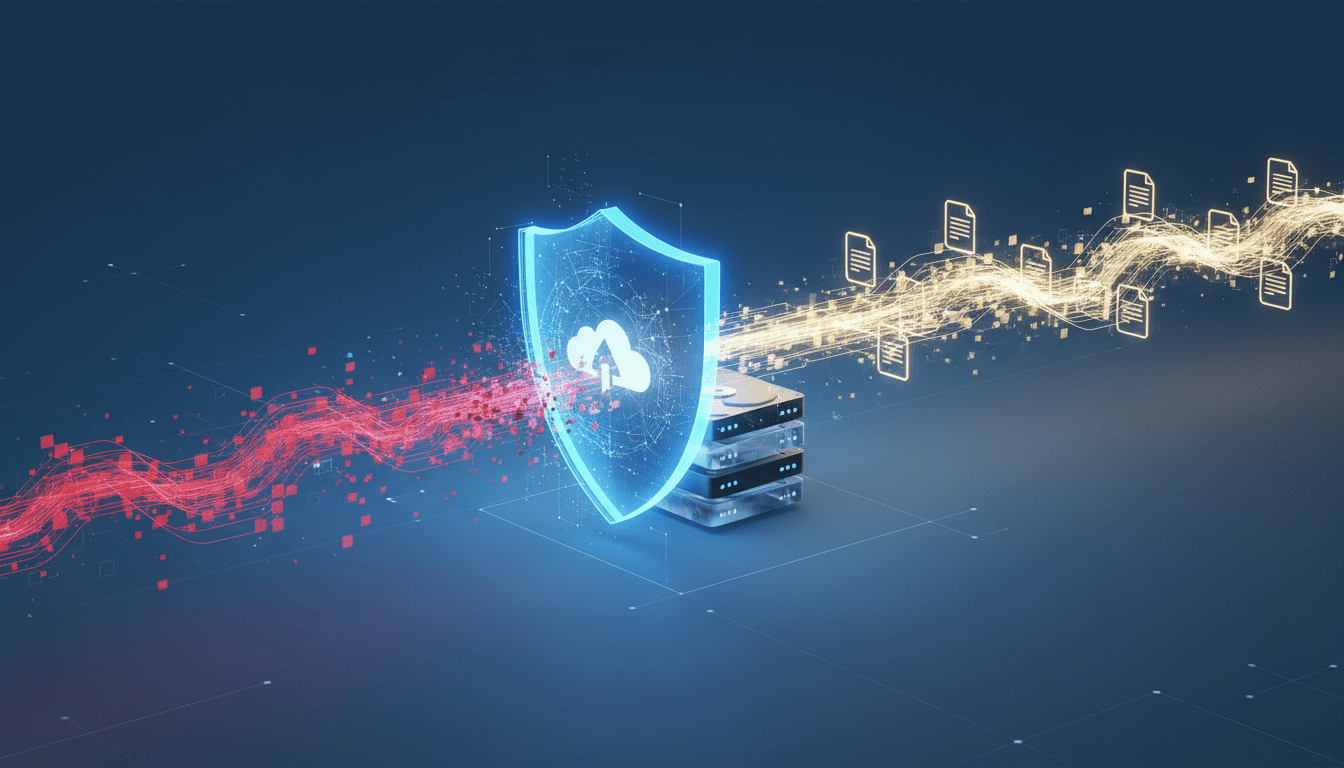
Google Drive Adds AI-Powered Ransomware Detection and Integrated File Recovery
Google Drive deploys AI ransomware detection and integrated file restoration to pause syncing, alert admins, and streamline recovery for Workspace users.
Google Drive’s cloud storage platform now includes an AI-driven ransomware detection system paired with built-in file recovery tools, a combination designed to detect encryption-based attacks faster and give organizations a guided way to restore affected data. The update—moving features out of beta and into broader availability—puts ransomware detection and rollback squarely inside Drive itself: syncing can be halted at the first sign of malicious encryption activity, users receive immediate warnings, and admins are notified through email and the Admin console so incident response can begin before the damage spreads.




What Google Drive’s Ransomware Detection and Recovery Actually Do
At its core, the new capability watches for anomalous encryption behavior on devices that sync with Drive and intervenes to limit propagation. When the system identifies suspicious activity it pauses syncing of affected files to cloud storage to stop infected versions from overwriting clean copies. End users get a desktop notification and are directed to a file restoration interface where they can select earlier, unencrypted versions and restore them in bulk. Administrators receive both email alerts and security center notifications in the Google Workspace Admin console, making it possible to coordinate remediation without waiting for manual incident reports.
Google says the updated detection model is significantly more effective than the previous iteration, and recovery is presented as a simpler alternative to full machine re-imaging or depending on external recovery utilities—particularly for common Windows and Microsoft Office workflows.
How the Detection Mechanism Works in Practice
The ransomware detection component combines machine learning models with activity monitoring to flag encryption patterns that resemble ransomware behavior. Rather than relying solely on static file signatures, the system looks at rapid, mass changes to files, unusual file access sequences, and other behavioral indicators that typically accompany automated encryption. When this behavioral model crosses a defined threshold, Drive for desktop suspends syncing for the affected files to prevent cloud copies from being corrupted.
Because the detection operates at the device-sync level, Drive can interrupt the replication pipeline immediately; an infected endpoint stops transmitting further changed files to the cloud. Notifications are delivered locally to users and centrally to admins, allowing IT teams to review the event timeline in the Admin console and take corrective steps such as isolating devices, revoking tokens, or initiating broader endpoint scans.
How Built-In File Restoration Streamlines Recovery
The recovery workflow gives users and admins access to prior file versions stored in Drive’s version history. Instead of individually restoring files or rebuilding environments, teams can select multiple pre‑infection versions and restore them in a single action. That bulk-restore capability reduces the time and manual effort needed after an attack and lowers the chance of missed files or inconsistent restores.
Drive’s restoration is available to a wide set of accounts—Google Workspace customers, Workspace Individual subscribers, and personal Google accounts—so the rollback functionality reaches beyond enterprise customers. The integration between detection and recovery is intended to convert an alert into an actionable recovery path quickly, shortening dwell time and limiting business disruption.
Who Gets Detection and Who Gets Recovery
Not all features are equally available to every account tier. File restoration is broadly available across Google account types, but the ransomware detection feature is targeted to specific Workspace subscription levels. Detection is included with Business Standard and Plus; Enterprise Starter, Standard, and Plus; Education Standard and Plus; and Frontline Standard and Plus. For organizations, both detection and restoration are enabled by default and can be adjusted by organizational unit through the Admin console. Detection has dedicated malware and ransomware controls, while restoration is governed by separate settings.
Desktop alerts for detected encryption activity require Drive for desktop version 114 or later; older client versions may still experience syncing pauses, but they will not surface local notifications. Administrators should confirm client versions and rollout policies to ensure on-device alerts are received when detection triggers.
Operational Steps IT Teams Should Take
For IT teams preparing to rely on this capability as part of their security posture, several practical steps are recommended:
- Verify license eligibility and enable the features at the organizational-unit level in the Admin console where appropriate.
- Ensure Drive for desktop is updated to version 114+ across managed endpoints so local notifications and automated sync pauses behave as expected.
- Adjust Admin console alert settings to route notifications to the correct incident response contacts and integrate with existing ticketing workflows.
- Test the bulk file restoration flow in a controlled environment to understand how version history behaves for frequently edited files and collaborative documents.
- Maintain complementary endpoint protection, network segmentation, and identity controls—Drive’s detection is a containment and recovery layer, not a replacement for EDR, MFA, or least-privilege access.
- Train end users on the meaning of Drive alerts and how to quickly follow the recovery guidance, reducing time-to-response.
These actions help organizations fold the Drive feature into broader incident response and business-continuity plans, combining cloud-native protections with endpoint controls and SIEM/SOAR integrations.
Implications for Backup, Endpoint, and Security Tooling
Making ransomware detection part of a cloud storage product changes the calculus for several vendor categories. Traditional backup vendors, endpoint detection and response (EDR) providers, and disaster recovery specialists will need to consider how integrated cloud-level detection affects their value propositions. For many organizations, Drive’s integrated recovery reduces the immediate need for ad-hoc file-level restores from separate backup appliances after an encryption event—but it does not replace full-image backups, immutable snapshots, or long‑term archival strategies that satisfy compliance and retention requirements.
EDR and SIEM platforms can still provide broader telemetry and correlate Drive alerts with network and process activity to identify root cause and attacker lateral movement. Security teams will likely integrate Drive alerts into existing automation platforms and playbooks so containment actions (for example, suspending accounts or isolating devices) can occur without delay. In regulated sectors, preservation of chain-of-evidence and forensic data will remain critical; Drive’s recovery options should be used in cooperation with forensic procedures to avoid inadvertently destroying evidence.
Potential Limitations and Operational Risks
No single feature eliminates the complexities of ransomware. Drive’s detection hinges on behavioral signals; well-crafted, low-and-slow attacks could attempt to evade these heuristics by staggering encryption or operating from compromised administrative accounts. False positives are another operational risk—an aggressive sync pause in high-velocity collaborative environments could impede legitimate operations if not tuned or if administrators rely too heavily on automated halts without human verification.
Tiered availability also creates coverage gaps. Organizations or users on lower Workspace tiers may not receive detection capabilities, leaving them dependent on restore-only mechanics or external security tools. Administrators must evaluate licensing and decide whether the detection tiers align with the organization’s risk profile.
Privacy and data governance considerations require attention as well. While the behavioral model aims to detect patterns rather than inspect file contents, organizations should document where and how Drive-level detection is enabled and ensure it aligns with internal policies and applicable regulations.
How This Fits into the Broader Software and AI Landscape
Google’s approach is part of a larger trend: embedding AI-powered security controls directly into productivity and collaboration platforms. Rather than siloing security functions in separate appliances, vendors are moving detection closer to data and workloads. That shift has several consequences for developers and product teams: security APIs and signals need to be exposed to partner ecosystems; developer tools and automation platforms must accept new alert hooks; and CRM, marketing automation, and ERP systems that rely on file stores will benefit from reduced downtime when cloud-native recovery can be orchestrated automatically.
For organizations building integrations, Drive’s alerts and Admin console events provide opportunity to enrich telemetry across identity providers, SIEMs, and ITSM systems. Automation platforms can consume Drive alerts to kick off incident response playbooks, revoke risky OAuth tokens, or push containment commands to endpoint management systems.
Business Case: Why This Matters for Organizations
Ransomware remains a leading cause of operational disruption and cost for organizations of all sizes. Reducing the time between detection and recovery lowers downtime, shortens customer-impact windows, and limits the surface area available to attackers. For teams that rely heavily on shared documents and collaborative editing, the ability to halt sync and roll back to a known-good state prevents cloud copies from becoming a vector that amplifies damage across an enterprise.
Smaller teams and individual users also stand to benefit from accessible rollback tools—restoring pre-infection versions without engaging external recovery services can save time and money. However, because detection is tied to certain subscription tiers, some organizations will need to weigh the incremental cost of upgrading against the risk reduction offered by earlier detection.
Developer and Vendor Considerations
Developers building on top of Google Drive—or on adjacent ecosystems—should consider how to integrate Drive’s new signals. Apps that manage documents, automate workflows, or provide compliance monitoring can use Drive’s administrative events as triggers to pause automation, create immutable backups, or surface alerts in custom dashboards. Security vendors may also want to consume Drive alerts into their orchestration layers to create coordinated multi-tool responses that combine network isolation, account revocation, and forensics.
For SaaS vendors, the move highlights the need to assume that core platforms will increasingly provide native protections; product roadmaps should therefore prioritize interoperability with cloud provider security events and not duplicate controls that are better handled at the platform layer.
Practical Advice for Administrators and Users
Administrators should inventory accounts and client versions to ensure detection and notifications behave as expected. They should also define escalation paths and map Drive alerts to incident severity levels so responses are consistent. Users should be briefed on what a Drive ransomware alert looks like, how to follow the guided recovery flow, and when to contact IT rather than attempting ad hoc fixes that could complicate forensic analysis.
Maintaining layered defenses remains essential: implement multi-factor authentication, enforce principle-of-least-privilege access, use endpoint protection for behavioral blocking, and keep offline backups where needed for immutable recovery. Drive’s detection and restoration reduce friction after an event, but cannot substitute for a comprehensive security program.
How This Change Could Affect Related Technologies
Adding AI detection to a widely used file service nudges adjacent markets. Backup and disaster recovery products may emphasize immutable and offline snapshots as complementary protections. EDR vendors may highlight cross-correlation with cloud-storage alerts to improve detection fidelity. Productivity and collaboration tools will continue to adopt security-first primitives to keep enterprise workflows resilient. And automation platforms and CRM systems that ingest document data will have to account for the possibility of transient sync pauses and restoration events when designing data workflows.
The change also underscores a shift where cloud platforms assume more responsibility for preventing data loss—impacting how software architects design redundancy and recovery across hybrid and multi-cloud environments.
Google Drive’s move reflects a broader vendor trend of embedding AI into platform security: models trained on behavioral signals, combined with administrative controls, aim to reduce detection-to-recovery times and make remediation accessible to non-specialists. IT and security teams should view this as another tool in the stack to accelerate response and minimize business disruption.
Looking ahead, expect iterative improvements: models will be refined to reduce false positives, admin APIs may be expanded to allow deeper automation, and integrations with SIEM, SOAR, and EDR platforms will likely grow more seamless. As attackers evolve their tactics—shifting to slower, stealthier encryption or targeting cloud-native collaboration pipelines—cloud providers and security vendors will iterate on detection signals and recovery ergonomics to keep pace. The presence of AI-driven ransomware defense inside a major productivity platform signals that prevention, containment, and recovery are increasingly being treated as unified features rather than separate postures, and that the interplay between cloud storage, endpoint protection, and automated incident response will define much of the next phase of enterprise resilience.














