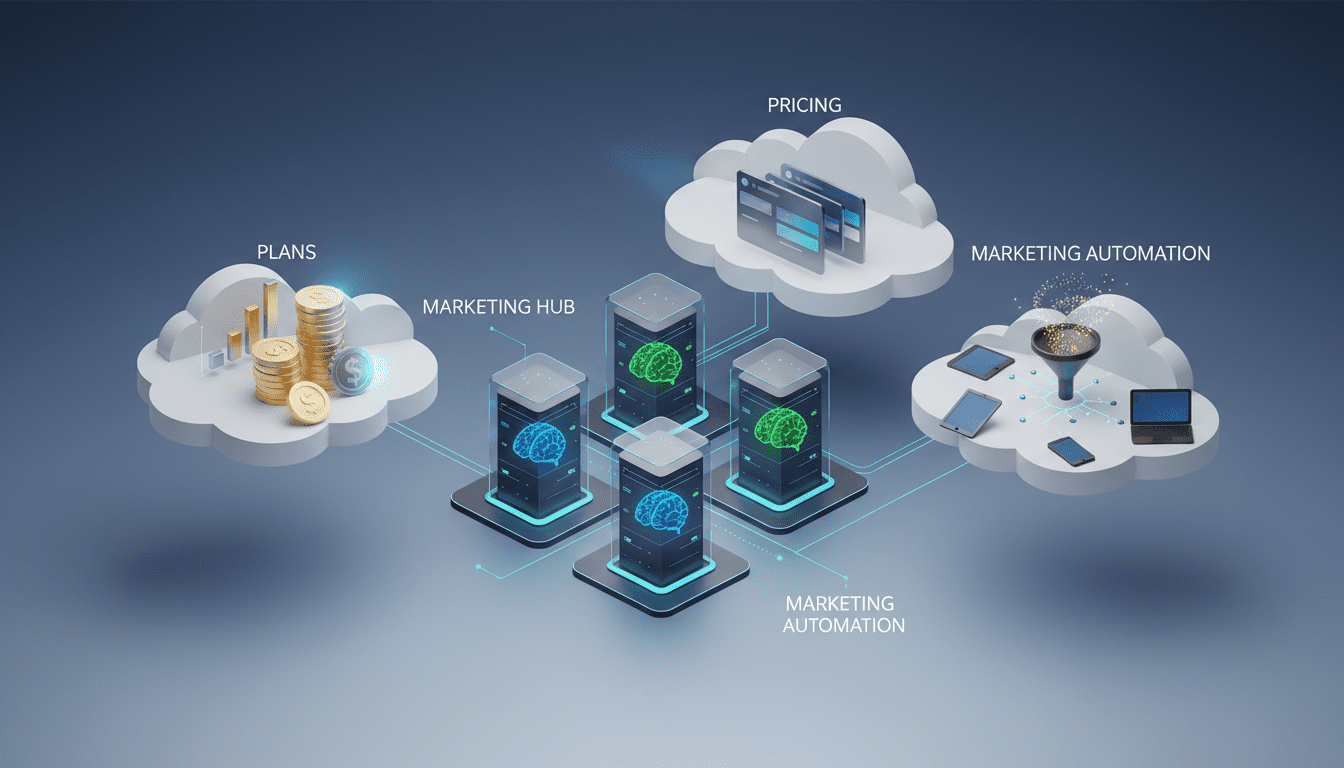
HubSpot Marketing Hub’s pricing and features decoded: what teams really get from Free to Enterprise
HubSpot Marketing Hub combines email marketing, automation, and CRM across Free, Starter, Professional, and Enterprise plans – scalable tools for growing teams.
HubSpot Marketing Hub has become a go-to option for organizations that want a single platform to handle email campaigns, lead nurturing, and CRM-driven marketing. For teams weighing convenience against cost, the platform’s tiered structure—from a no-cost entry level to a high-end enterprise suite—defines what you can build and how much you’ll spend. This article breaks down the capabilities and limits of each plan, explains how the product’s core features work in practice, compares it with competing services, and explores the implications for marketing teams, developers, and businesses planning to adopt a unified marketing stack.




How HubSpot Marketing Hub is packaged and why the tiers matter
HubSpot segments its Marketing Hub into four distinct tiers: Free, Starter, Professional, and Enterprise. Each level adds capacity, advanced tooling, and support infrastructure in a way that aims to scale with an organization’s complexity. The Free tier offers a frictionless way to begin with HubSpot’s ecosystem; the paid tiers add email volume, contact allowances, automation sophistication, analytics, and global business features such as multi-currency support and expanded inboxes. Understanding where your needs fall—simple email sends, automated drip campaigns, or enterprise-grade journey analytics—helps determine which plan delivers value.
Pricing, contact volumes, and email send limits explained
Pricing is one of the most consequential decisions when selecting HubSpot Marketing Hub. On the entry end, the Starter package begins at $18 per month when billed annually and is designed for small teams that need basic email capabilities and analytics. That Starter package includes the ability to send 2,000 emails per calendar month and starts with a 1,000-contact allowance; you can expand contact capacity in 1,000-contact increments (each additional 1,000 contacts carries its own monthly fee).
Moving up, the Professional tier jumps substantially in price and capability. At $800 per month when billed annually, Professional targets organizations that need a fully featured marketing automation suite: advanced workflows, A/B testing, lead nurturing sequences, and more robust reporting. Professional licenses typically include a 2,000-contact allowance as a baseline and support a much larger set of operational needs, including expanded inbox provisioning for teams managing multiple channels.
For large enterprises, the Enterprise plan is priced at $3,600 per month (billed annually) and extends contact capacity—commonly to 10,000 contacts depending on the negotiated package—and unlocks advanced analytics like customer journey reporting, behavioral-triggered automation, and cross-company campaign reporting. Enterprise also increases global business support, including a far larger list of supported currencies.
A critical cost factor beyond monthly subscriptions is onboarding: HubSpot charges a one-time onboarding fee for Professional and Enterprise customers to train teams and set up optimal marketing processes. That onboarding investment is material, typically several thousand dollars, and should be budgeted alongside recurring subscription costs.
What you get at each level: features and operational differences
Free: The no-cost tier provides a gentle entry point into HubSpot’s ecosystem. It bundles HubSpot CRM, basic forms, landing pages, social integrations, and a 2,000-email-per-month sending allowance. The catch is that some assets—emails, forms, and landing pages—carry HubSpot branding, and feature depth is limited. That makes Free appropriate for early-stage projects or teams that need a CRM-adjacent email channel without immediate investment.
Starter: For teams that require a consistent business presence without committing to enterprise complexity, Starter adds paid email features and basic analytics. It keeps monthly sending caps reasonable while enabling more customization than the Free layer. Currency handling and global settings are modest at this level.
Professional: This level delivers the platform’s marketing automation backbone: custom workflows, drip sequences for lead nurturing, A/B testing for optimization, and multi-inbox support suitable for distributed teams. It’s also where marketers get richer attribution and pipeline reporting to tie marketing activity to revenue outcomes. Professional expands currency support to serve international operations and generally includes more seats and collaboration tools than the lower tiers.
Enterprise: Enterprise amplifies Professional’s capabilities into an analytics and governance platform: enterprise-grade reporting, custom behavioral triggers, customer journey analytics, and large-scale automation. It’s oriented toward organizations that need to orchestrate campaigns across many products, teams, or regions and need compliance, security, and reporting features to match.
Onboarding and setup: the hidden cost of getting productive
HubSpot’s platform is feature-rich, and for nontrivial deployments it expects customers to invest in onboarding. Paid Professional and Enterprise tiers typically require paid onboarding programs that guide admins and teams through best practices for lead capture, campaign setup, and analytics configuration. These one-time fees are not inexpensive and can substantially increase the up-front cost of adopting HubSpot. Organizations should factor onboarding into total cost of ownership and decide whether they want HubSpot’s expert guidance or to self-implement.
Core capabilities: email, workflows, CRM integration, and testing
At its core, HubSpot Marketing Hub combines three pillars: email marketing, marketing automation, and CRM integration. Emails can be built with drag-and-drop editors, personalized using CRM data, and scheduled or triggered by automation. Workflows enable marketers to automate lead nurture paths—send a welcome sequence after signup, delay follow-ups, or branch logic based on user behavior. A/B testing tools let teams experiment with messaging and subject lines to optimize open and click-through rates. CRM integration means that email and automation are not isolated: contact activity, lifecycle stages, and deal records can all inform campaign logic.
Global business features: multi-currency and multi-inbox support
One of the platform’s differentiators is its graded support for global operations across tiers. Higher levels increase the number of supported currencies and provide more inboxes for teams managing responses. For organizations with international customers and multi-market campaigns, those features reduce manual reconciliation work and improve reporting fidelity.
Limitations to be aware of, especially on the Free plan
The Free plan is generous compared with some competitors on volume—its 2,000 email sends per month outpaces some free alternatives—but it imposes branding on public assets and restricts advanced automation. If you require brand-free emails, complex workflows, or deep reporting, you will likely need a paid tier. Additionally, contact counts and how HubSpot bills for additional contacts can change costs faster than many teams anticipate, so planning list hygiene and segmentation strategies is important to control ongoing fees.
How HubSpot Marketing Hub compares to rivals
HubSpot is often compared to multi-cloud solutions such as Salesforce Pardot and standalone email providers like Mailchimp. Pardot targets larger enterprises and bundles tight integration with Salesforce CRM; its entry business plans typically include generous contact allowances but carry higher monthly starts. Mailchimp and other email-first platforms commonly offer lower-cost or simpler plans for pure email sending, but they lack the native CRM and sales integration that HubSpot provides. For small and mid-sized businesses that want an integrated marketing-and-sales experience with a gentler learning curve, HubSpot’s combination of UI and ecosystem positioning can be more approachable.
Who benefits most from HubSpot Marketing Hub
HubSpot serves a spectrum of users. Small teams and startups can exploit the Free and Starter tiers to manage basic campaigns and centralize contact data. Mid-market companies often find Professional compelling for its automation, testing, and analytics that support multi-channel campaigns. Large enterprises requiring complex journey analysis, governance, and broad currency support can use the Enterprise level, provided they budget for higher recurring costs and onboarding. Agencies, B2B sellers, and marketing operations teams generally appreciate HubSpot’s CRM linkage because it simplifies handoffs between marketing and sales.
Developer and integration considerations
From a developer perspective, HubSpot offers APIs and connectors that enable data synchronization, custom events, and deeper automation logic. Teams that need bespoke integrations—pulling product usage data into marketing workflows, pushing campaign performance into BI tools, or linking to proprietary authentication systems—will find the HubSpot platform extensible. However, advanced integrations and complex architectures can increase implementation time and often require developer resources or professional services. Security, data governance, and API rate limits are operational considerations when scaling automations across large contact lists.
Business use cases and operational workflows
Typical use cases include lead capture funnels with automated nurture sequences, re-engagement campaigns driven by product usage signals, cross-sell/up-sell journeys tied to customer lifecycle stages, and revenue attribution models that connect marketing touchpoints to deal outcomes. Marketers also use HubSpot to coordinate content-driven campaigns—landing pages, forms, and social posts—while leveraging CRM data to personalize messaging and to measure the impact on pipeline velocity.
Cost control strategies and implementation planning
Because contact tiering and email volumes are core levers affecting pricing, teams should prioritize list segmentation and hygiene. Archiving inactive contacts, using engagement-based lists, and keeping suppression lists tight can limit the number of billable contacts. Piloting campaigns on the Free or Starter levels can validate approach and creative before committing to the higher-cost Professional or Enterprise tiers. In addition, evaluate the onboarding offering: if your team needs process design and change management support, the one-time onboarding investment can shorten time to value; if you have experienced marketing operations staff, you may opt to self-implement and reallocate those dollars.
Industry implications and what HubSpot’s model signals
HubSpot’s tiered model and emphasis on integrated sales-marketing workflows reflect broader industry trends: vendors are moving from point solutions toward unified growth platforms that combine CRM, automation, analytics, and content. This convergence simplifies vendor management and shortens the path from campaign to impact reporting, but it also concentrates vendor lock-in risk. For businesses, the trade-off is convenience versus flexibility—centralized platforms reduce integration overhead but can be costly to migrate away from as usage deepens and custom workflows proliferate.
For developers and platform architects, the shift means more emphasis on robust API strategies and middleware patterns to maintain portability. For marketing leaders, the trend demands closer alignment with sales, data governance, and measurement frameworks to justify investment.
Practical questions about adopting HubSpot Marketing Hub answered in context
What does the product do? HubSpot Marketing Hub combines email creation, audience segmentation, automation workflows, and attribution analytics with the CRM to drive personalized, measurable campaigns.
How does it work? Users build lists and creative assets, then craft workflows that send emails, change contact properties, and trigger follow-up sequences based on behavior or time. Data flows back into the CRM so conversions and deal progression are visible to sales.
Why does it matter? Integrating marketing and CRM reduces manual handoffs, provides a single source of truth for contact history, and lets teams measure marketing’s impact on pipeline and revenue—critical for budget justification.
Who can use it? Solo marketers and small teams can start on the Free or Starter plans; marketing ops and mid-market teams will find Professional’s automation and testing capabilities essential; enterprises needing advanced governance and analytics should evaluate Enterprise.
When is it available? HubSpot’s tiers are commercially available now; organizations can trial features on the Free plan and upgrade to paid tiers to unlock advanced capabilities. When planning a rollout, account for onboarding lead times and internal training needs.
Integrations, ecosystems, and related software considerations
HubSpot’s value increases with an ecosystem approach: integrating analytics and BI platforms, ad networks, content management systems, and customer support software expands what marketing can automate and measure. AI-driven tools—content generation assistants, predictive lead scoring, and personalization engines—can be layered with HubSpot to accelerate campaign creation and targeting. Similarly, CRM platforms, security tools, and marketing analytics suites all interact with HubSpot’s data model, which makes careful integration planning essential to maintain data quality and privacy compliance.
Decision points for procurement teams
Procurement should compare not only headline subscription pricing but also onboarding fees, expected contact growth, multi-currency needs, and the cost of complementary tools. Ask whether the organization needs native CRM integration, how many inboxes and team seats are required, and what reporting fidelity is necessary for revenue attribution. Finally, validate total cost of ownership over a multi-year horizon, including any professional services or developer time for bespoke integrations.
HubSpot Marketing Hub represents a trade-off familiar in the martech landscape: the convenience of a tightly integrated marketing-CRM platform versus the higher costs that come with scale and advanced features. For many organizations the ability to centralize contact data, automate complex nurture sequences, and attribute pipeline influence outweighs the expense—provided those organizations plan for onboarding and carefully manage contact growth. Looking ahead, expect the platform to continue evolving toward tighter AI-assisted content and personalization features, deeper cross-channel orchestration, and richer interoperability with analytics and security tooling as buyers demand both automation and accountability.