Google Photos Introduces Tap-to-Edit Touch-Up Tools for Portraits
Google Photos adds touch-up tools for portrait editing: skin smoothing, blemish removal, eye brightening, teeth whitening and adjustable intensity sliders.
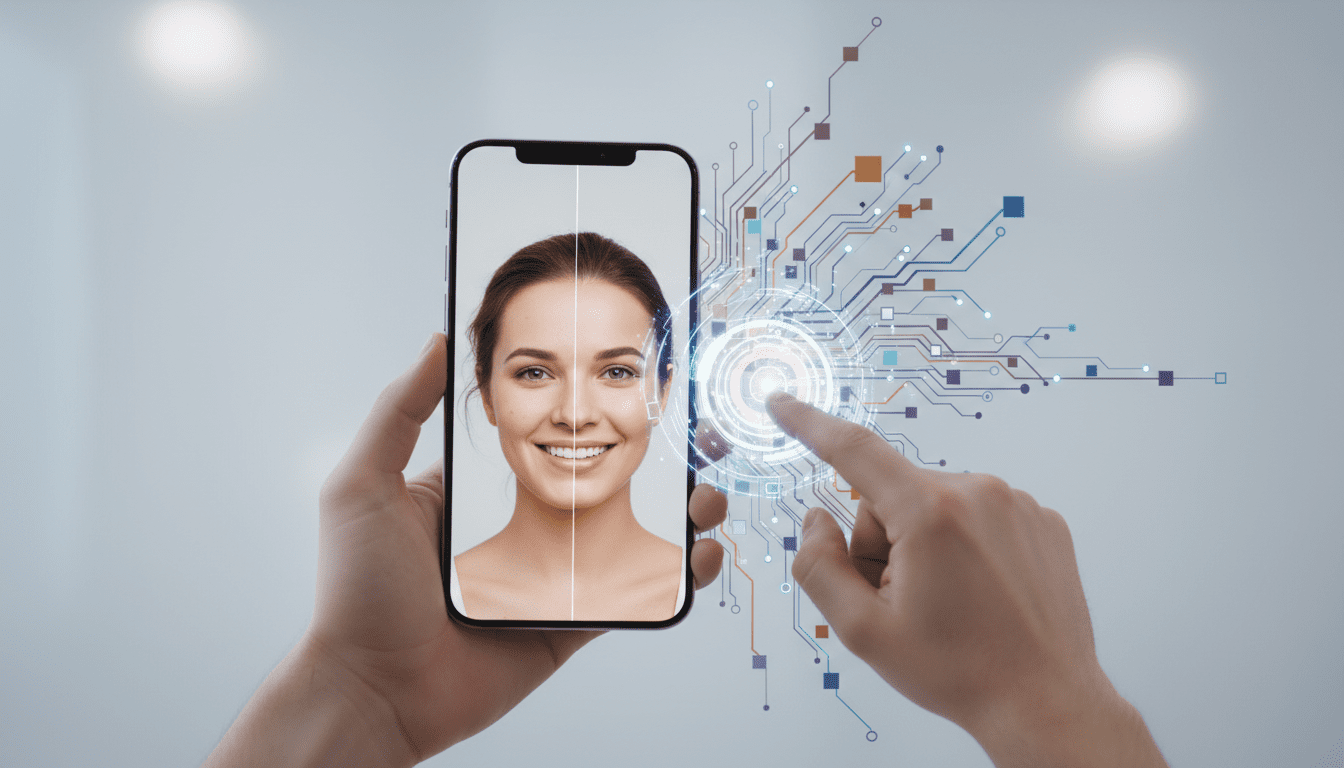
Google Photos’ new touch-up tools deliver a set of portrait-focused edits designed to make everyday face retouching faster and more accessible, and they matter because they package AI-driven facial adjustments into a simple tap-and-slide workflow that many users already expect from mobile imaging apps. Announced on April 20, the update builds touch-up features directly into the Google Photos editor, letting users tap a face in an image and choose from targeted controls — including skin smoothing, blemish removal, eye brightening and teeth whitening — with adjustable intensity so edits can range from barely-there refinements to more noticeable polish.




What the touch-up tools do
The touch-up toolset centers on common facial corrections and enhancements. Users can smooth skin texture to reduce unevenness, remove blemishes, brighten eyes, and whiten teeth. Google also provides more granular adjustments for under-eye areas, irises, eyebrows and lips. Each option exposes an intensity slider, so the same action can be applied very subtly or dialed up for a more visible effect. The editing flow is intentionally simple: users tap a detected face, select the desired adjustment and move a slider to set the strength of the change.
The company frames these functions as “subtle enhancements,” emphasizing refinement rather than wholesale transformation. That positioning shows in both the choice of available edits and the presence of sliders intended to keep results controlled and reversible.
How the tools work under the hood
Google says the touch-up controls rely on artificial intelligence and deep learning to detect faces and facial features automatically, which reduces the need for manual selection or advanced editing skills. The app identifies facial regions — eyes, lips, skin areas, irises — and applies the chosen edit to the appropriate zones without requiring users to paint masks or make precise selections.
Because the tools are integrated into the Photos editor, they sit alongside existing image adjustments rather than as a separate app or plug-in. The combination of detection, localized edits and intensity sliders is designed to make portrait retouching approachable for users who want quick fixes without learning a complex toolset.
User experience and interface details
The touch-up workflow emphasizes simplicity. A user taps on a face and a compact menu of editing options appears; selecting a tool opens a single slider to control intensity. This approach reduces friction for casual editors and shortens the path from opening a photo to producing a finished image suitable for sharing.
By focusing only on targeted facial edits rather than full-image retouching, the new tools keep the interface lightweight and presumptively less intimidating for nontechnical users. The prominence of sliders — rather than a multitude of nested controls — steers users toward iterating visually and stopping when a result looks right to them.
Compatibility and rollout
Google indicated the new touch-up tools are rolling out gradually around the world and are available only on devices running Android 9.0 or later with at least 4GB of RAM. That hardware and OS floor is intended to ensure the AI-based features run smoothly; it also means older phones and some budget devices will not receive the tools. The company’s announcement date for the update was April 20.
How this fits into Google’s broader Photos strategy
The touch-up features arrive amid a wider push to embed AI across Google’s consumer products. Google Photos has already seen other AI-driven enhancements and recent updates that touch on video controls and image editing fixes. The company has also been deepening integration between Photos and its Gemini AI platform; Google has described new capabilities that let users generate personalized AI images by connecting their photo library to Gemini. The touch-up launch is another example of Google moving from general organizational and cloud-storage functions in Photos toward more proactive, AI-enabled image creation and refinement.
Practical questions readers often have (what it does, how it works, who it’s for, and when they’ll see it)
The tools are intended to perform quick portrait improvements — smoothing skin, removing blemishes, brightening eyes and whitening teeth — and they operate by detecting faces and facial features automatically using AI. The primary audience is everyday Google Photos users who want simple, fast edits without learning manual retouching techniques; the workflow is tailored to casual sharers rather than professional retouchers. Availability is limited by OS and hardware: devices must run Android 9.0 or later and have at least 4GB of RAM, and the rollout is staged globally rather than instantaneous for all users.
Social and ethical considerations around easy retouching
The arrival of accessible portrait-retouching features renews ongoing debates about digital image manipulation and its social effects. Critics warn that lower friction for retouching can reinforce unrealistic beauty norms, particularly among younger people who regularly post editable images online. Google’s emphasis on “subtle” edits appears aimed at positioning these tools as modest refinements rather than radical transformations, but the presence of adjustable sliders means users ultimately determine the degree of alteration.
Because the changes are localized to facial features and can be made strong or mild, the line between “natural” and “enhanced” remains user-dependent. That raises questions about platform-level design choices — for instance, whether subtle visual indicators, defaults set to low intensity, or optional education nudges could help users make informed choices about retouching. Those are product-design decisions the announcement hints at indirectly through wording and interface simplicity, but the company’s statement does not enumerate any specific guardrails or disclosure mechanisms.
Implications for photographers, creators and content workflows
For casual photographers and social-media users, the tools reduce the time and technical knowledge required to prepare portrait images for sharing. For creators whose workflows already include more advanced editing suites, Google Photos’ touch-up controls are unlikely to replace professional retouching, but they may serve as a convenient first-pass tool on mobile devices.
From a business standpoint, marketers and small teams that rely on quick, mobile-first content production could use these edits to polish imagery without routing files through desktop software. That workflow could intersect with social-media publishing pipelines, content calendars and lightweight marketing toolchains, where speed and convenience often outweigh pixel-perfect editing.
How the update relates to other Google Photos features
The touch-up set complements other recent Photos changes that incorporate AI, such as enhanced video controls and bug fixes to the image editing experience. The announcement references deeper Gemini integration for personalized image generation as a companion thread to these edits: while touch-up tools refine existing photos, Gemini-linked features can generate new images using a user’s library as context.
Developer and ecosystem considerations
Although the touch-up tools are a consumer-facing upgrade inside Google Photos, their existence reflects broader engineering trends: machine learning models that can run on-device or use moderate local resources, UI patterns that make advanced features approachable, and product strategies that pair storage/organization with creation/editing. For teams building imaging features elsewhere in the ecosystem, the update reinforces the expectation that users will prefer simple, automatic tools that minimize manual selection. For developer tooling and machine-learning teams, that raises priorities around model size, inference efficiency and graceful fallbacks on lower-end hardware — concerns implied by Google’s stated Android and RAM requirements.
What this means for privacy and data handling
The announcement emphasizes automated in-app edits and local detection of facial features as part of the editing workflow, but it does not provide exhaustive detail about processing location (on-device versus cloud), telemetry or data retention for model improvement. Users concerned about where and how their images or derived facial data are processed should look for further product documentation or privacy notes from Google to understand whether edits are handled locally, synced to the cloud, or used to train models over time. The company’s broader Photos and Google product policies govern those practices, but the touch-up announcement itself stays focused on capabilities and user experience rather than full privacy mechanics.
Balancing accessibility and responsibility in AI photo tools
Google’s framing of touch-ups as subtle refinements suggests an attempt to balance making AI-powered retouching widely available while avoiding the more fraught connotations of extreme image alteration. That balancing act will likely persist as these tools reach a global audience with diverse cultural norms around appearance and photo sharing. The product design choices — defaults, labels, slider ranges and in-app guidance — will shape how the feature is used in practice even more than the underlying algorithms.
Where editors, businesses, and educators might link this topic
This update sits at the intersection of consumer imaging, AI tools and content creation workflows. Phrases that could link naturally to deeper coverage or related topics include Google Photos AI enhancements, portrait editing tools, Gemini image generation, image-editing best practices, and the impact of retouching on social media behavior. For teams researching mobile-first content production or the evolution of AI in consumer apps, the touch-up tools are an example of how machine learning is moving from background tasks (organization and search) into everyday creative controls.
Broader industry implications
Introducing refined, face-aware controls in a mainstream app like Google Photos continues an industry-wide trend toward automating more of the image-editing pipeline with AI. As major platforms fold targeted editing features into storage and sharing apps, expectations shift: casual users increasingly anticipate one-tap or tap-and-slide fixes, while professional tools retain a role for granular manual control. The widening availability of these features will influence adjacent markets — from imaging startups focused on specialized filters to enterprise vendors building image-centric tools into marketing and CRM stacks — and will raise recurring questions about design responsibility, disclosure and the psychological effects of ubiquitous retouching.
The touch-up rollout also highlights a practical trade-off in mobile AI features: requiring Android 9.0 or later and 4GB of RAM ensures smoother performance but excludes older devices, illustrating how performance and inclusivity can pull in opposite directions when AI-driven features arrive in consumer-facing apps.
As Google continues to embed AI across Photos and other products, the company may iterate on the touch-up tools’ controls, defaults and contextual integration with Gemini-powered image creation. Watch for updates that clarify processing locations, any expanded device support, and potential UI refinements aimed at helping users understand and manage the degree of alteration they apply.
Looking ahead, these touch-up controls are likely to be an incremental step rather than a final shape: expect continued refinement of detection accuracy, subtlety controls and how companies communicate edits to users, along with broader conversations about the social effects of making retouching easy and pervasive.